Tax reportCapital gains · Income
Tax report
Capital gains and crypto income figures, with the schedules behind them, to support the client’s tax return.
View sample reportBring each client’s exchange and wallet records together, check for missing activity, and review the calculations and supporting schedules before filing.
Your practice workspace is free. Opening a client’s portfolio needs Advanced, at £119/year.
Review capital gains, crypto income and the supporting calculations. Use the reports and working papers included in your client’s plan to prepare their return.
Capital gains and crypto income figures, with the schedules behind them, to support the client’s tax return.
View sample reportCheck how the figures were reached using the supporting calculations, assumptions and audit detail.
Explore report typesCheck a client’s historical balances and asset holdings. Use balances by source and CSV working papers to reconcile their records.
Explore practice toolsExport the client’s calculation results as balanced draft journals to the client’s Xero organisation, ready for you to approve in Xero.
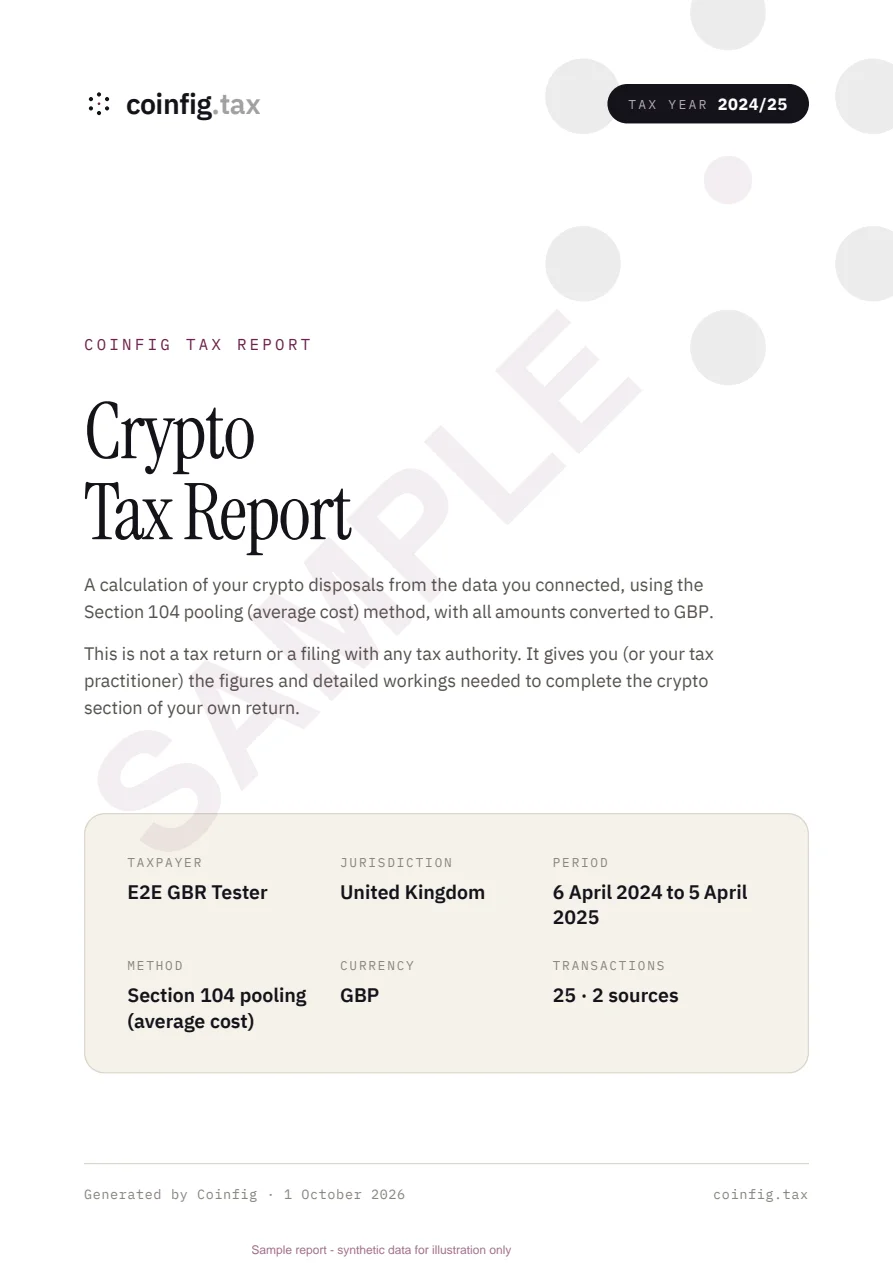
Explore the Xero exportAudit reports, tax bundles, working-paper CSVs and the Xero export are included in Advanced. The preview shows the first page of Coinfig’s actual sample report. Open the PDF for the complete sample.
Manage clients from one login and switch into the portfolio you need to review.
Invite → Client accepts → Review their portfolio
Illustration of the client invitation step. No real client data is shown.
Enter their name and email in Client Management. New clients receive an invitation to create an account and accept access. Existing users receive an acceptance link and a prompt when they sign in.
Bring exchange history, wallet activity and CSV files into the client’s portfolio. Coinfig covers Binance, Coinbase, Kraken and 30 more. Check that all relevant sources are included.
Check missing activity, classifications and supporting schedules. Download the reports included in the client’s plan to support filing.
Look up historical balances, inspect asset holdings and compare sources when you need to investigate a figure or reconcile a client’s records.
| BASIS | HOW COINFIG APPLIES IT |
|---|---|
| Cost basis | Section 104 pooling with same-day and 30-day matching |
| Tax year | 6 April to 5 April |
| Valuation | GBP cost shown across each pool. Estimated prices are marked |
| Supports | Capital gains pages of the Self Assessment return |
Coinfig prepares the figures. The tax judgement stays with you and your client.
Your practice workspace is free, and you can invite a client on any plan. To open their portfolio, it needs Advanced, paid by the client or by your practice.
Clients who manage their own records can use Starter at £13/year, for up to 1,000 transactions and 5 sources. You can still invite a Starter client, but you can’t open their portfolio or get the additional reports until it’s on Advanced.
Pricing and calculation basis by country: South Africa · United States · United Kingdom · Australia · France · Italy · Eurozone · Singapore · Malaysia · Nigeria · Zambia
What happens to a client’s records once they’re in Coinfig, and who runs it.
You invite a client and they accept from their own account. Each client’s records stay separate in your workspace, and a client can end your firm’s access in their settings at any time.
Your client creates the exchange API key with trading and withdrawals switched off. Wallets are added by public address, so no private keys are involved. Stored exchange credentials and Xero tokens are encrypted with AES-256-GCM.
Privacy Notice, securityCoinfig is based in Pretoria, South Africa. Forvis Mazars, the audit, tax and advisory firm, is one of our trusted partners.

Yes. Use the accountant workspace to manage client invitations and switch between linked client portfolios. Each client’s records remain separate.
Coinfig brings in history from Binance, Coinbase, Kraken and 30 more, along with public wallet addresses and CSV files. Your client can connect an exchange with an API key or upload its export.
Coinfig applies Section 104 pooling for the UK tax year, 6 April to 5 April. A disposal is matched first against acquisitions on the same day, then against acquisitions in the following 30 days, before the pool is used. The working behind each disposal shows how the pooled cost was reached. Coinfig reports the gain, not the final liability.
You and your client review classifications and the calculation settings for their jurisdiction before filing. The available tax treatment depends on the jurisdiction’s reporting scope.
The accountant workflow includes historical balance lookup and asset-holding review to help you investigate and reconcile a client’s records before filing.
No. You invite the client from your workspace and they accept from their own account. You each keep your own login, and the client can end your firm’s access in their settings at any time.
Coinfig provides calculations and supporting reports. You or your client review the calculations and reports and file the return.
Yes. Open the sample tax report for the United Kingdom to inspect the calculations and schedules.
You can invite and link a client on any plan. To open their portfolio, it needs Advanced at £119/year. The client can pay, or your practice can pay on their behalf once you’re linked. The practice workspace itself is free. A client on Starter (£13/year) keeps their own tax report, but you can’t open their portfolio until it’s upgraded.
Set up your accountant workspace and send an invitation.